
FLAT PLUG SURGE PROTECTOR POWER STRIP – 11 AC OUTLETS & 6 USB PORTS (4 USB-A + 2 USB-C) WITH OVERLOAD PROTECTION

- SKU:
- 3035
- Availability:
- Usually ships in 24 hours.


Frequently bought together:
Description
FLAT PLUG SURGE PROTECTOR POWER STRIP – 11 AC OUTLETS & 6 USB PORTS (4 USB-A + 2 USB-C) WITH OVERLOAD PROTECTION
SPECIFICATION
- Cord length: 5 ft (1.52 m)
- Color: Black
- AC outlets: 11 widely spaced outlets
- USB ports: 4 USB-A and 2 USB-C
- Plug design: Flat plug
- Protection: Surge and overload protection
DESCRIPTION
- Power and charge multiple devices with this convenient power strip. It features 11 widely spaced AC outlets and six USB charging ports for organizing electronics at a workstation, manicure table, office, or home. The flat plug fits conveniently behind furniture.
FEATURES
- Widely spaced outlets accommodate larger power adapters.
- Four USB-A and two USB-C ports provide convenient charging connections.
- Flat plug helps save space behind desks and furniture.
- Surge protection helps protect connected electronics from power surges.
- Overload protection helps prevent excessive electrical loads.
INSTRUCTION
- Place the power strip on a dry, stable surface.
- Plug it directly into a properly grounded wall outlet.
- Connect devices without exceeding the power strip’s labeled capacity.
- Use compatible cables for USB charging.
- Turn on the power switch, if equipped.
- If overload protection activates, disconnect devices and follow the manufacturer’s reset instructions.
CARE & SAFETY: For indoor use only. Keep away from water and wet work areas. Do not connect to another power strip or extension cord. USB-C ports do not necessarily support laptop charging or fast charging; check the labeled output.
COLOR ACCURACY
- We strive to display product colors as accurately as possible. However, actual colors may vary due to monitor settings, screen resolution, and lighting. Images are for reference only.

Related Products
Related Products
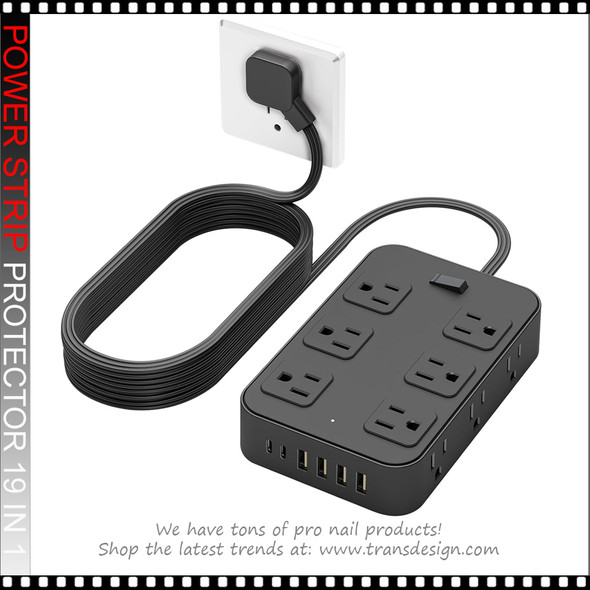

19 IN 1 Power Strip Surge Protector 5 Ft, with 12 AC Outlets And 6 USB Charging Ports (4 USB A Ports And 2 USB C Ports)
$15.95
19 IN 1 Power Strip Surge Protector 5 Ft, with 12 AC Outlets And 6 USB Charging Ports (4 USB A Ports And 2 USB C Ports)
SPECIFICATION
Package contains: 1 protector
Color:...
3030
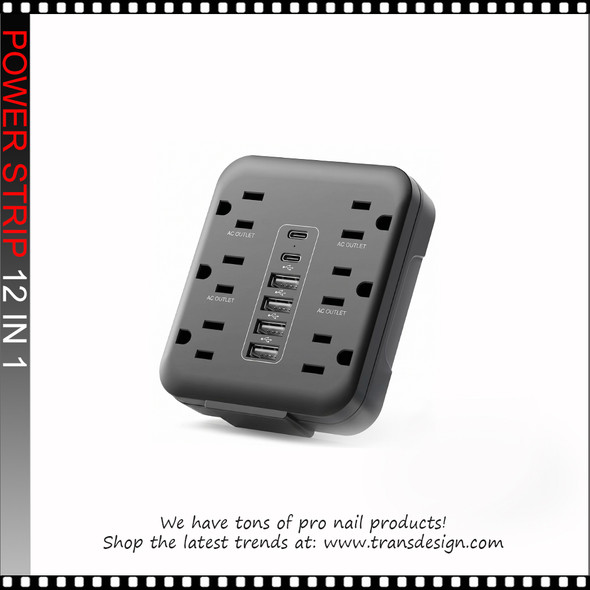
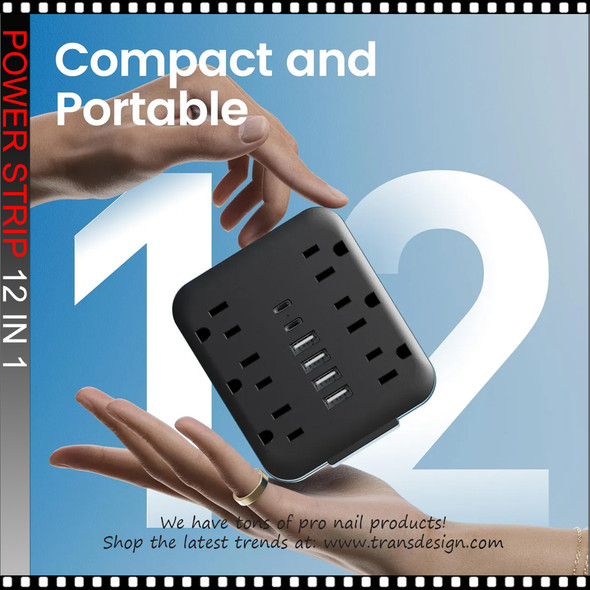
12 IN 1 Power Strip With USB Port, 6 AC Outlets, 4 USB-A And 2 Type-C Ports, Black
$10.95
12 IN 1 Power Strip With USB Port, 6 AC Outlets, 4 USB-A And 2 Type-C Ports, Black
SPECIFICATION
Product Name: Multi-Socket Power Strip With USB Port – 12-IN-1 Wall Power Outlet
Color:...
3033


12 IN 1 Power Strip With USB Port, 6 AC Outlets, 4 USB-A And 2 Type-C Ports, White
$10.95
12 IN 1 Power Strip With USB Port, 6 AC Outlets, 4 USB-A And 2 Type-C Ports, White
SPECIFICATION
Product Name: Multi-Socket Power Strip With USB Port – 12-IN-1 Wall Power Outlet
Color:...
3032
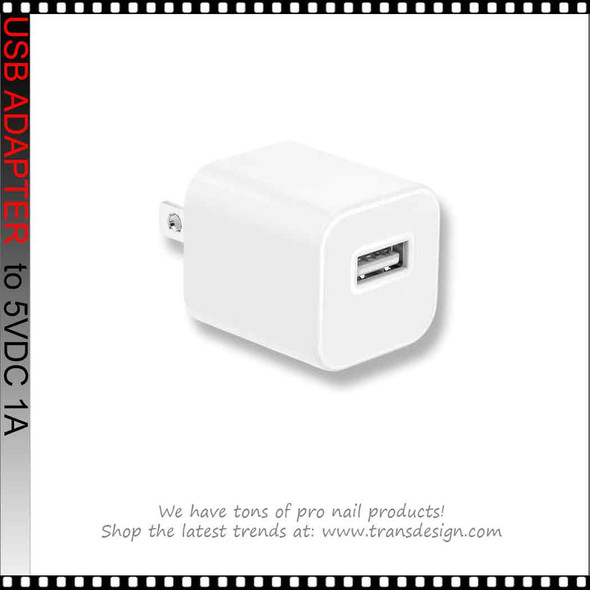
5VDC 1A. POWER ADAPTER USB Plug
$3.95
POWER ADAPTER USB Wall Charger 5VDC 1A.
SPECIFICATION
Package contains: 1 pcs
Color: white
ABOUT THIS ITEM
Efficient Charging: With 2.4A dual ports, this charger adapter can quickly...
3029

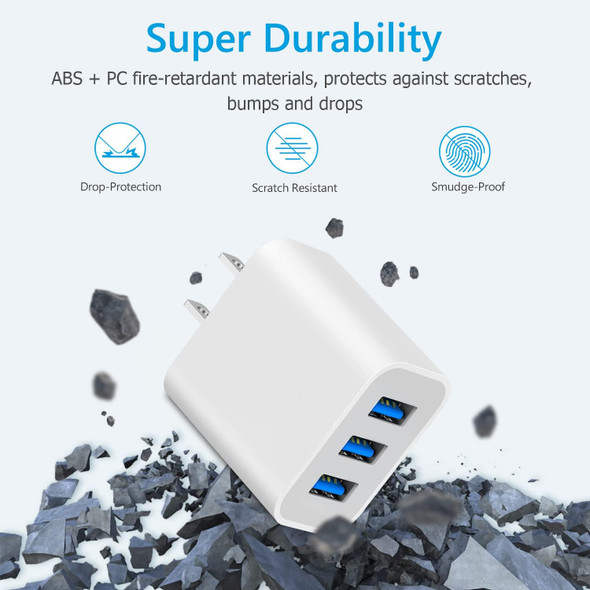
5VDC 2.4A. POWER ADAPTER Wall Charger, 3-Ports USB Plug
$5.95
POWER ADAPTER USB Wall Charger 3-Ports 100-240VAC | 2.4A
SPECIFICATION
Package contains: 1 pcs
Color: white
ABOUT THIS ITEM
Efficient Charging: With 2.4A dual ports, this charger...
18017