



Frequently bought together:
Description
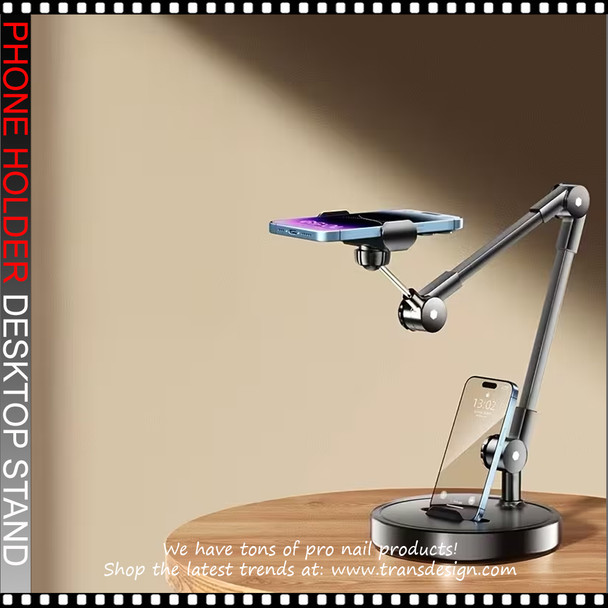
Phone Holder Desktop Stand, for Live Broadcast
SPECIFICATION
- Material: High-grade aluminum alloy arms with a weighted ABS plastic base.
- Color: Matte Black.
- Base Design: Circular, heavy-duty base with anti-slip silicone pads to prevent tipping or sliding during use.
- Arm Articulation: Multi-joint mechanical arm featuring 360-degree rotation and adjustable tension knobs at each pivot point for exact positioning.
- Top Mount: Universal spring-loaded phone grip equipped with a 360-degree ball joint; fits smartphones ranging from 4 to 7 inches wide.
- Base Mount: Integrated device cradle with silicone padding to securely prop up a secondary smartphone.
DESCRIPTION
- The Premium Dual-Phone Articulated Desk Stand is a professional-grade mounting solution designed for content creators, live streamers, and beauty professionals.
- Featuring a heavy-duty weighted base and a multi-jointed mechanical arm, this stand allows for unparalleled stability and precision when capturing overhead shots.
- It uniquely accommodates two smartphones simultaneously: a primary top mount for hands-free overhead recording (perfect for nail art, crafting, or unboxing tutorials) and a secondary base cradle for monitoring live chats, referencing notes, or capturing a front-facing angle.
HOW TO USE
- Placement: Place the weighted circular base on a flat, stable surface such as a salon table or desk.
- Adjusting the Arm: Gently loosen the tension knobs at the joints of the articulated arm. Extend and bend the arm to your desired height and angle, then tighten the knobs to lock the arm firmly in place.
- Mounting the Overhead Camera: Pull open the top spring-loaded clamp and insert your primary smartphone. Adjust the ball-joint directly behind the clamp so the camera points downwards toward your workspace.
- Setting up the Secondary Screen: Rest your second smartphone in the base cradle. Use this device to monitor your stream, interact with comments, or display reference materials.
- Final Stability Check: Before recording, tap the table lightly to ensure the overhead phone does not shake and the base remains completely flat and stable.
COLOR ACCURACY
- We strive to display product colors as accurately as possible. However, actual colors may vary due to monitor settings, screen resolution, and lighting. Images are for reference only.
Related Products
Related Products
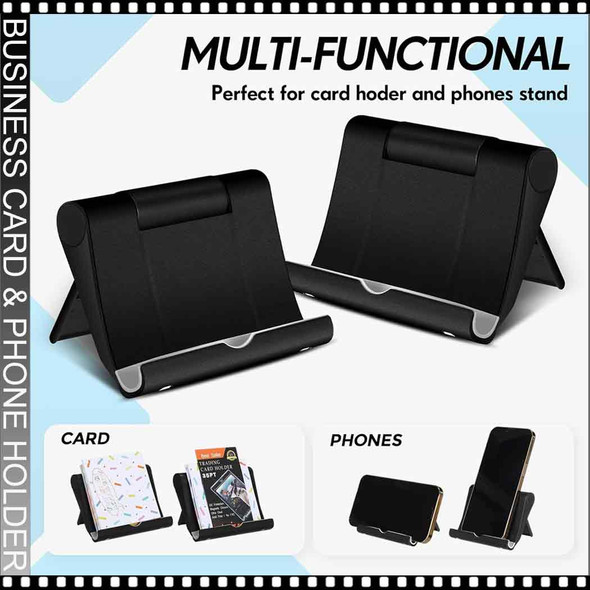

Business Card Holder & Phone Stand, Black
$2.95
Business Card Holder & Phone Stand, Black
A versatile black stand that works as a neat business card display or a sturdy phone holder. Compact, durable, and perfect for nail stations, desks,...
12228


Handpiece Holder Stand, Black Color
$5.95
Handpiece Holder Stand, Black Color
Introducing the Handpiece Holder Stand – a sleek and practical accessory designed to enhance the functionality of your manicure or nail drill station. At TDI, we...
260


Silicone Organizer Brush Stand Holder
TDI
$11.95
Silicone Organizer Brush Stand Holder
SPECIFICATION
Package includes: 1 holder
Material: silicone
ABOUT THIS ITEM
Versatile: Can be used as a makeup brush holder, cosmetic storage box,...
22170

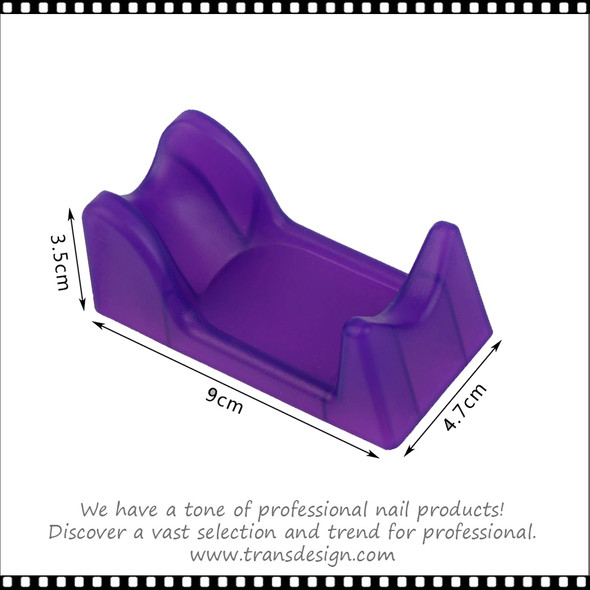
Handpiece Holder Stand, Color Purple
$5.95
Handpiece Holder Stand, Purple Color
Introducing the Handpiece Holder Stand – a sleek and practical accessory designed to enhance the functionality of your manicure or nail drill station. At TDI, we...
261


SELFIE LED LIGHT Ring with Phone Holder, White
TDI
$17.95
TABLE LAMP Metal Adjustable Gooseneck, Table Claim, White
A "Selfie LED Light Ring with Phone Holder" is a popular accessory for smartphones, especially for those who enjoy taking selfies or making...
8898